Review a recommendation
Accepting a recommendation records intent. It does not change the cloud resource. Someone still implements the change in AWS, Azure or Google Cloud.
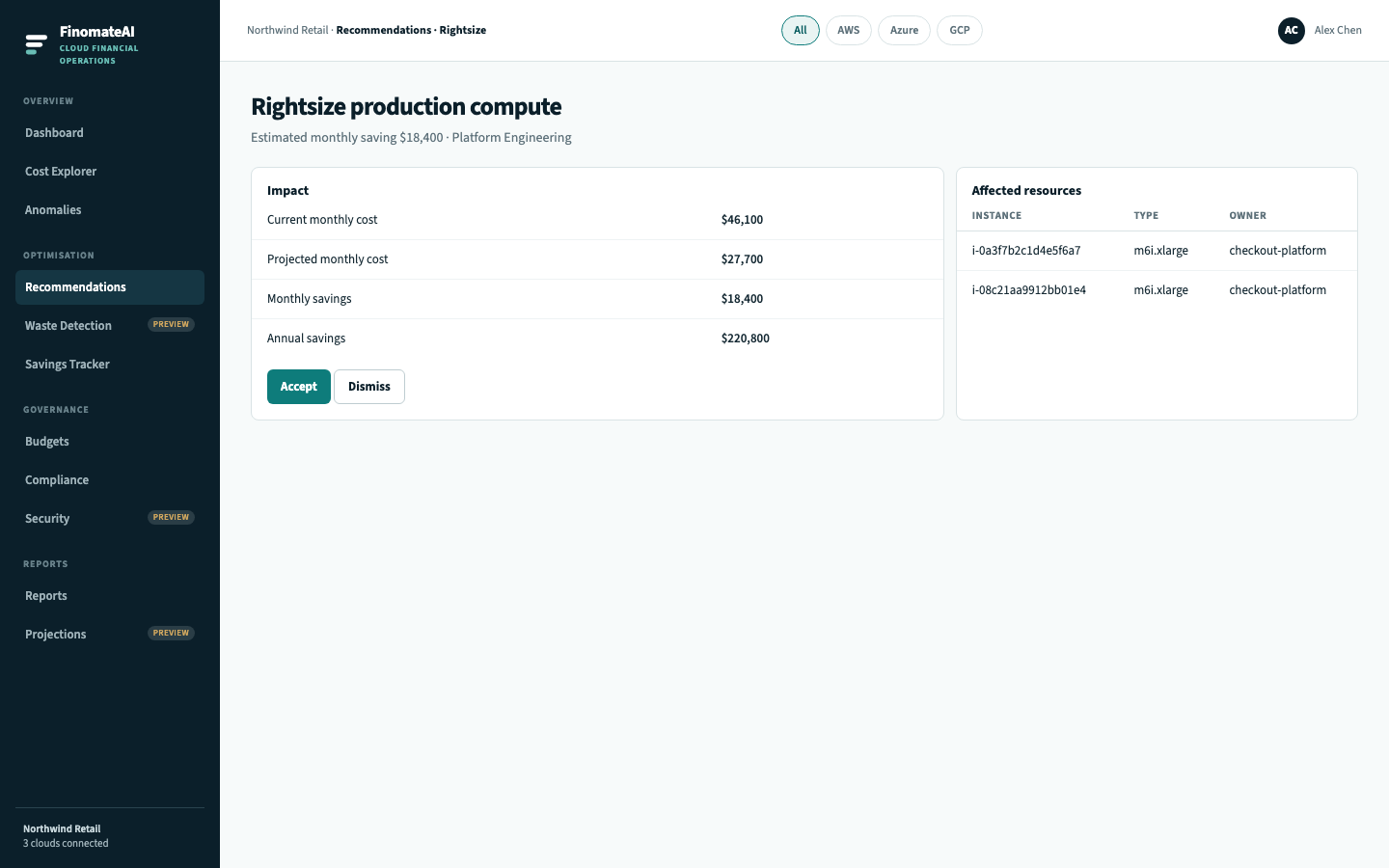
Steps
- Open Recommendations and select Details.
- Read the full description and the assumptions behind the estimate.
- Check affected resources: account, environment, owner, instance or resource id, current monthly cost.
- Check impact: current cost, projected cost, monthly and annual savings.
- Read action steps.
- Choose:
- Accept — the action is valid and owned. It appears in Savings Tracker as pending until verified.
- Dismiss — the action is wrong for this workload. Capture why if your process requires it.
Expected result
The recommendation is accepted with an owner, or dismissed with a reason, and nobody thinks FinomateAI resized the instance.