Resource scheduling
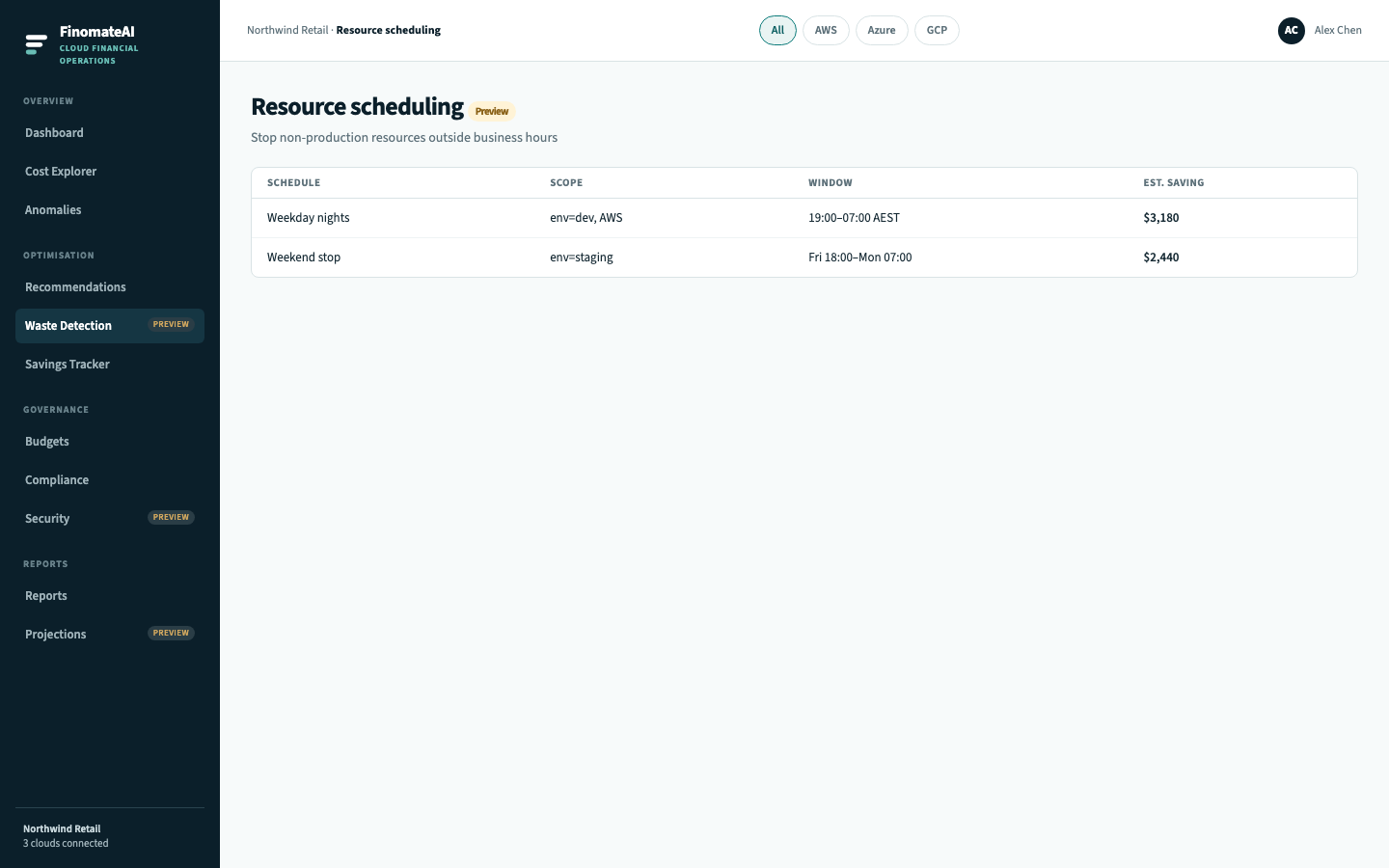
Resource scheduling is the CloudHealth Savings Automator job: define a stop window, estimate the saving, and run the schedule against non-production compute.
Scope to development and staging. Do not attach a stop window to production unless the owner has signed off.
Before you begin
- Tag non-production with
environment=developmentorenvironment=staging. - Attach those assets to a cost category so the schedule has a scope.
- Confirm the organisation timezone.
Create a schedule
- Open Optimisation → Scheduling.
- Select New schedule.
- Scope to the cost category or saved view (never the whole tenant on the first run).
- Set the window (for example weeknights 19:00–07:00, weekends all day).
- Read the estimated saving.
- Assign an owner.
- Enable the schedule.
Expected result
In-scope instances stop at the start of the window and start at the end. Savings Tracker records the confirmed amount after the next bill.
Common issues
| Issue | Check |
|---|---|
| Instance did not stop | Tag, category membership, schedule enabled |
| Production was included | Environment tag and category rule |
| Saving is lower than estimated | Instance already stopped, or commitment covers the hours |