Commitment coverage
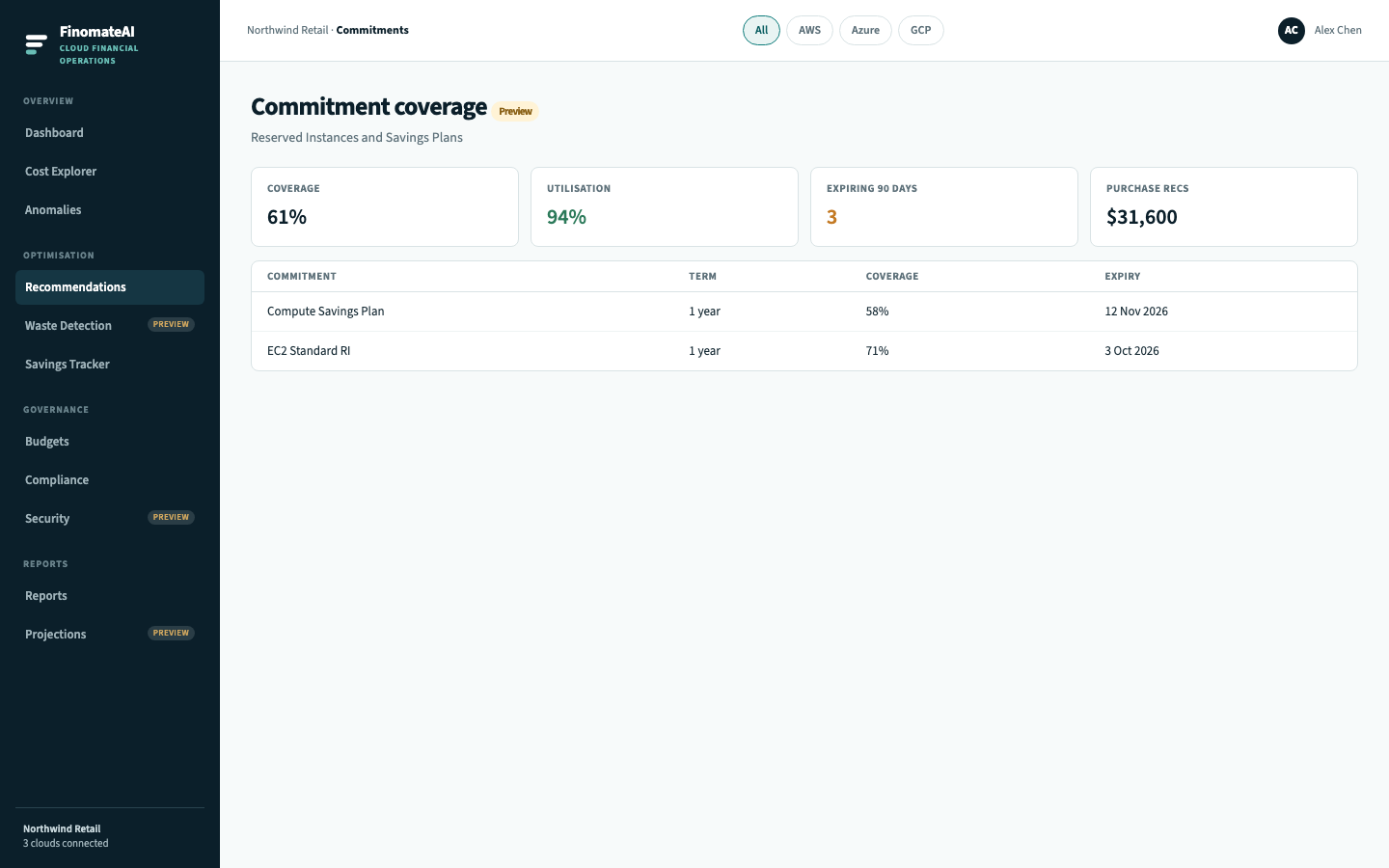
Commitment coverage shows how much eligible compute sits on a reservation or savings agreement, how much of that agreement you are using, and what to buy next.
This is the CloudHealth AWS Reservation Management, Azure Reservation Management and Savings Plan Management job. FinomateAI quotes the purchase. Finance completes it in the provider console, then Savings Tracker confirms the bill moved.
Before you begin
- Connect the payer / billing account so reservations are in the same cost model as on-demand usage.
- Prefer a completed month of stable eligible spend before you buy a 1-year or 3-year term.
Open coverage
- Open Commitments.
- Select the provider chip.
- Read coverage (share of eligible compute on a commitment) and utilisation (share of the commitment that is used).
- Open terms expiring inside 90 days.
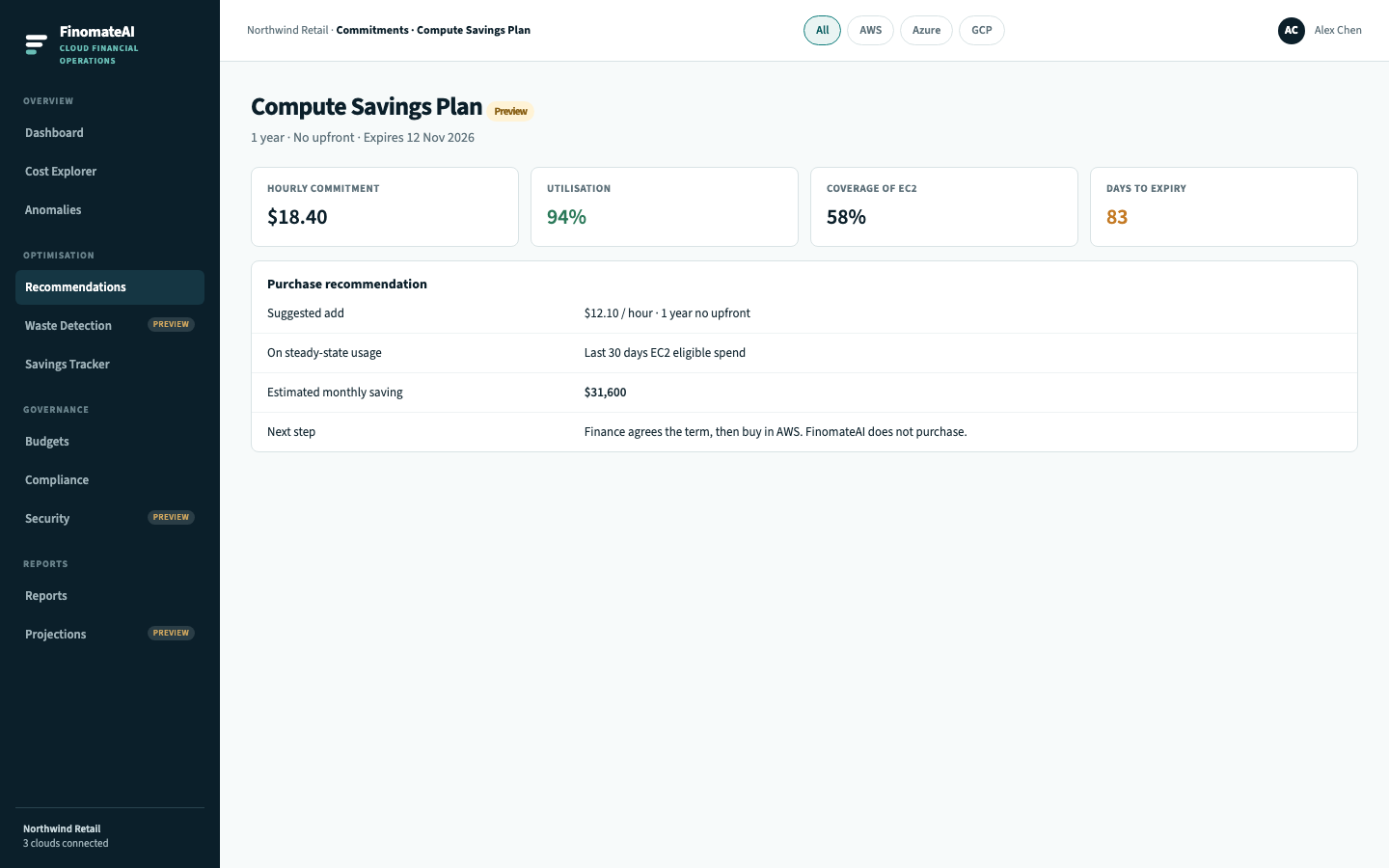
- Open a purchase recommendation and compare it with 30 days of steady-state eligible spend.
- Agree the term with finance, then purchase in AWS, Azure or Google Cloud.
How to read the numbers
| Metric | Healthy pattern | Risk |
|---|---|---|
| Utilisation | High (you are using what you bought) | Low utilisation is wasted commitment |
| Coverage | Matches how stable the workload is | Low coverage on a flat estate is a purchase conversation |
| Expiry | Known, with an owner | Silent expiry returns you to on-demand |
Scope a quote like CloudHealth
CloudHealth lets you constrain an RI quote to a Perspective Group. In FinomateAI, open the same scope from a saved view or cost category before you generate the quote so you are not buying for the whole tenant.
Expected result
Every expiring term has an owner, and every purchase recommendation can be traced to 30 days of eligible spend.