Cluster costs
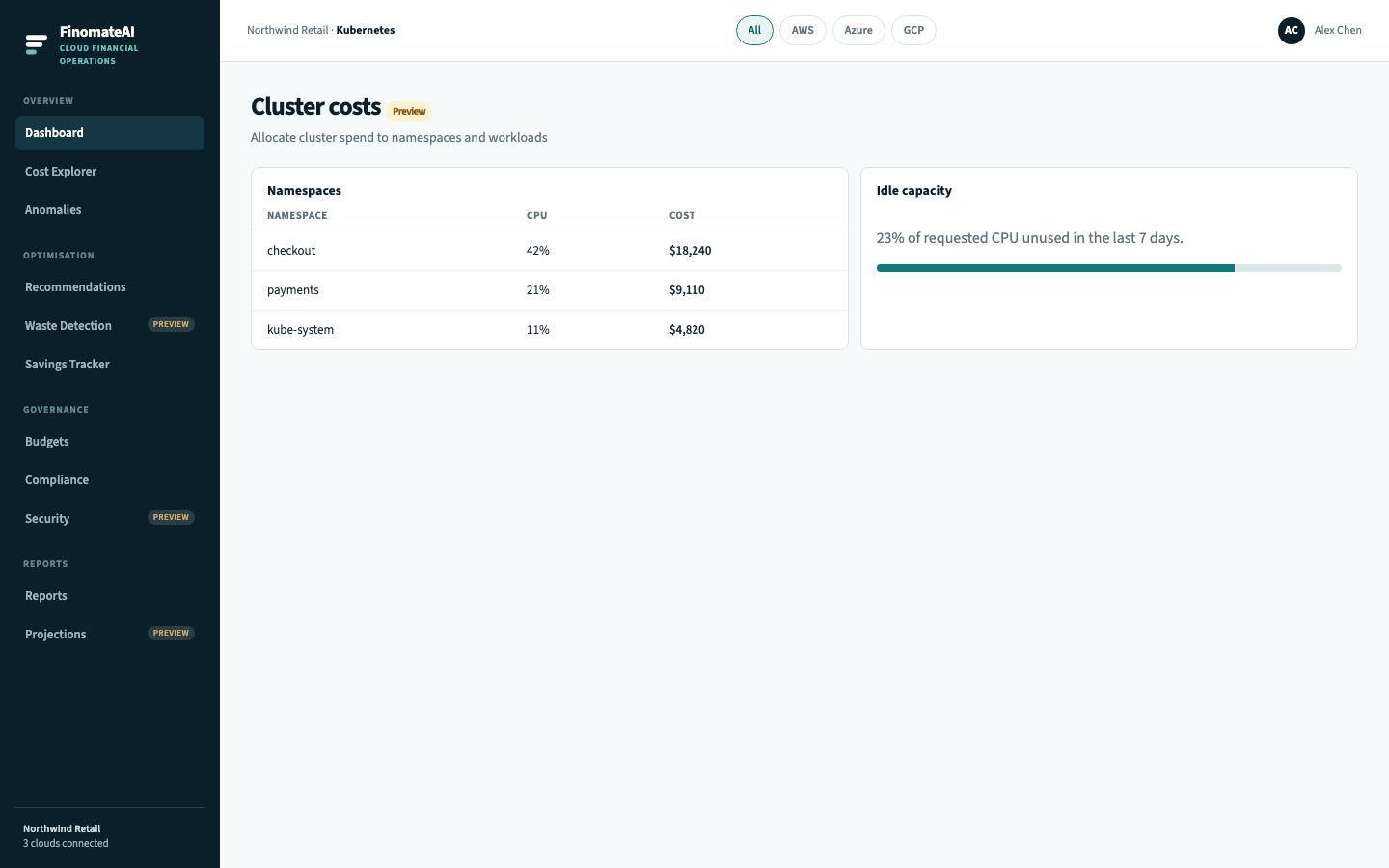
Kubernetes cost management allocates cluster spend to namespaces and workloads, including idle capacity. This is the CloudHealth Kubernetes Reports job.
Connect the cluster after the cloud billing connector is healthy so node spend and namespace allocation sit in the same cost model.
Before you begin
- The AWS, Azure or GCP connector for the node bill is healthy.
- You can install the cluster agent or grant the documented read access.
Open cluster cost
- Open Kubernetes.
- Select a cluster.
- Wait for the first allocation window (often 24 hours).
- Open namespaces, then workloads.
- Send idle capacity to Resource scheduling or a recommendation.
What you can answer
| Question | Where |
|---|---|
| What does this cluster cost? | Cluster header |
| Which namespace owns the spend? | Namespace table |
| How much is idle? | Idle capacity |
| Chargeback to a product? | Map namespaces into cost categories |