Create a budget
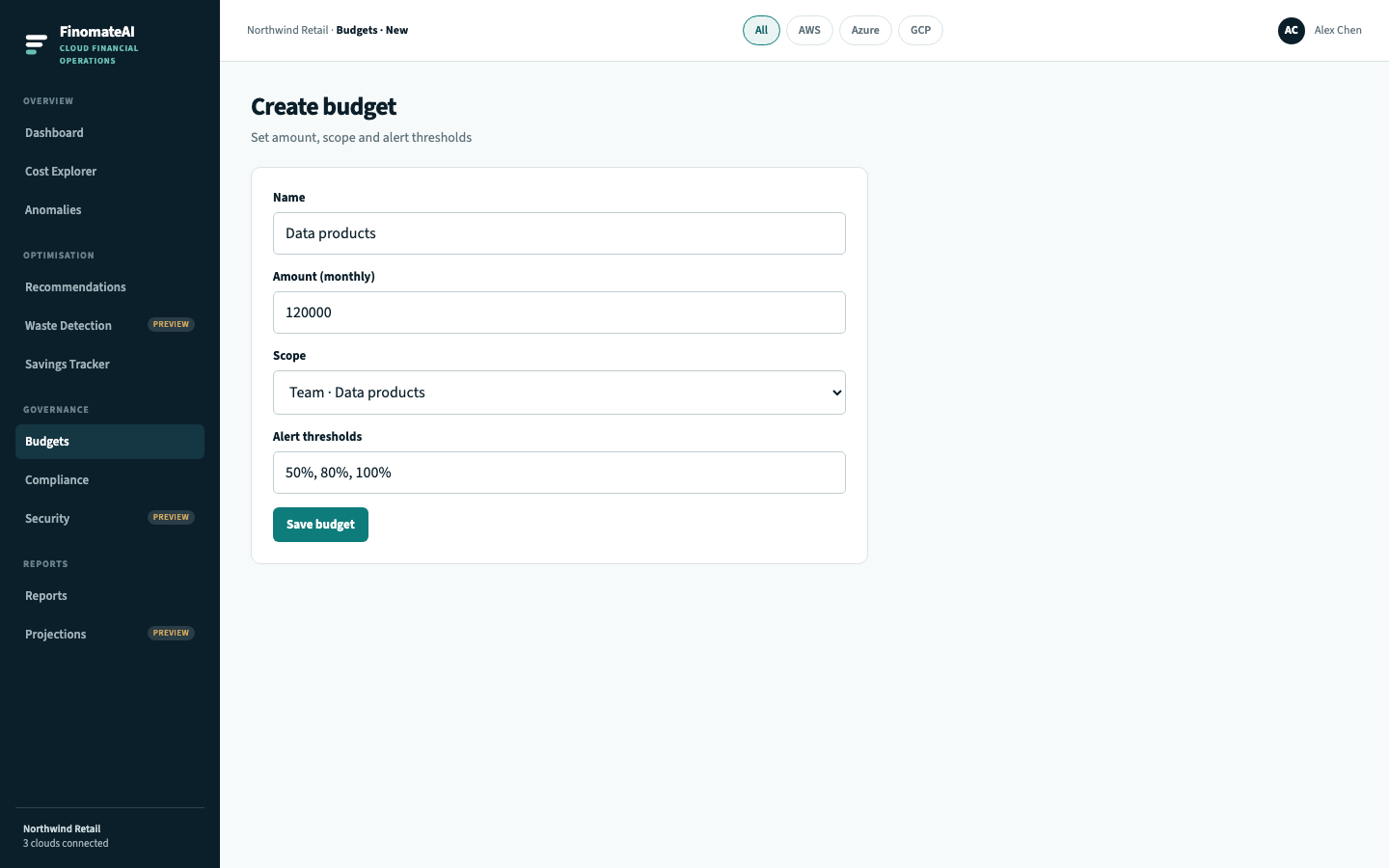
Steps
- Open Budgets and select Create Budget.
- Name the budget after the owner, not after the cloud (for example Data products).
- Enter a monthly amount.
- Choose a scope you can explain (organisation, team, service).
- Set alert thresholds (50%, 80%, 100% is the usual set).
- Save.
Expected result
The budget appears on the list, current spend is compared with the amount, and a line turning amber is someone else's cue to look — not an automatic action.
Related
- Cost categories if you need team views that do not exist yet