Your first 30 minutes
Use this sequence the first time the Azure connector is healthy. The goal is not to finish every finding. The goal is to leave with one explained Azure change and one owned next action.
Before you begin
- At least one cloud is connected and shows Healthy.
- You can sign in. See Sign in and account access.
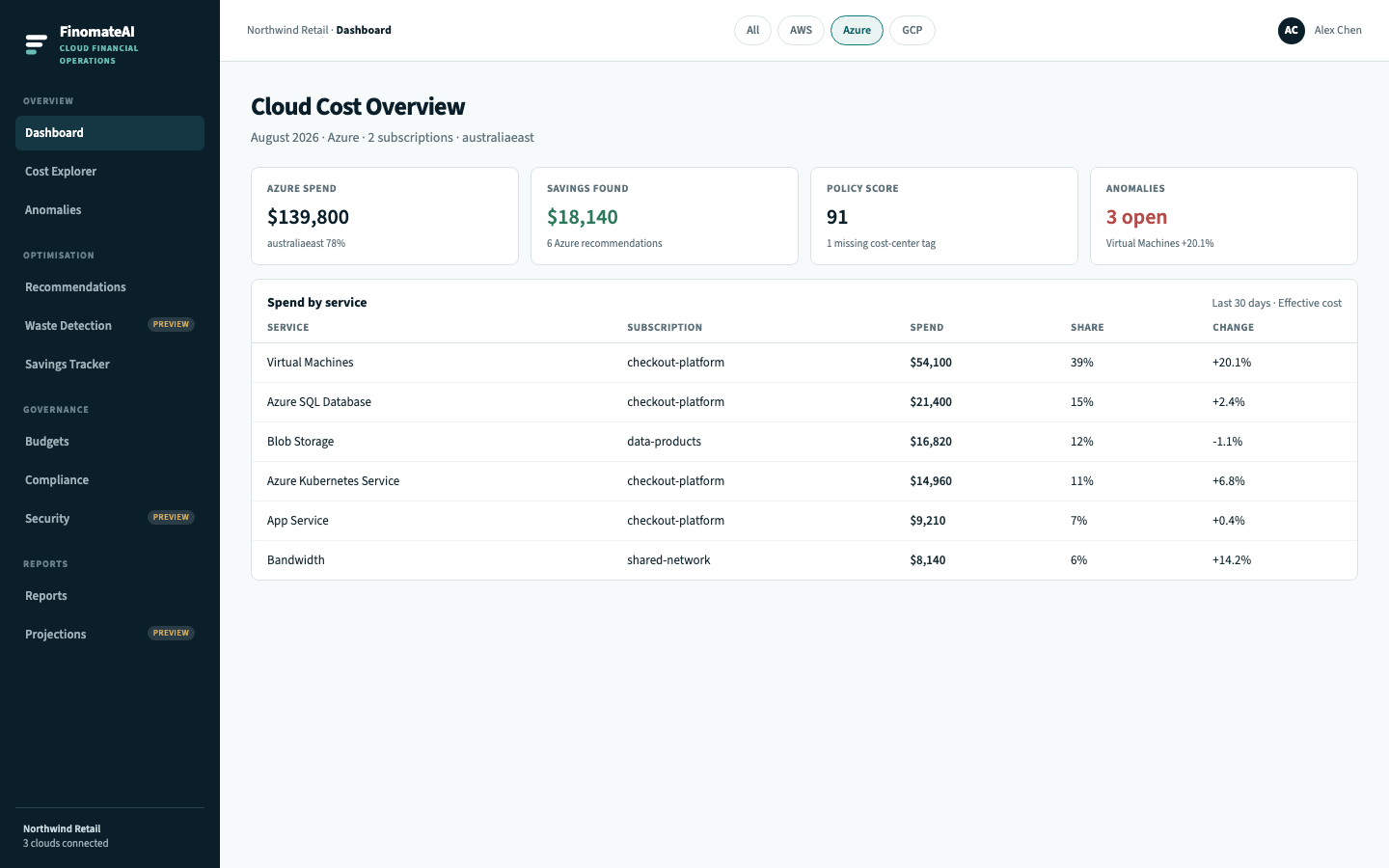
1. Orient on the Dashboard (5 minutes)
- Open Dashboard.
- Select Azure.
- Note Azure monthly spend, savings found, open anomalies and the top Azure recommendation.
2. Confirm the cost model (10 minutes)
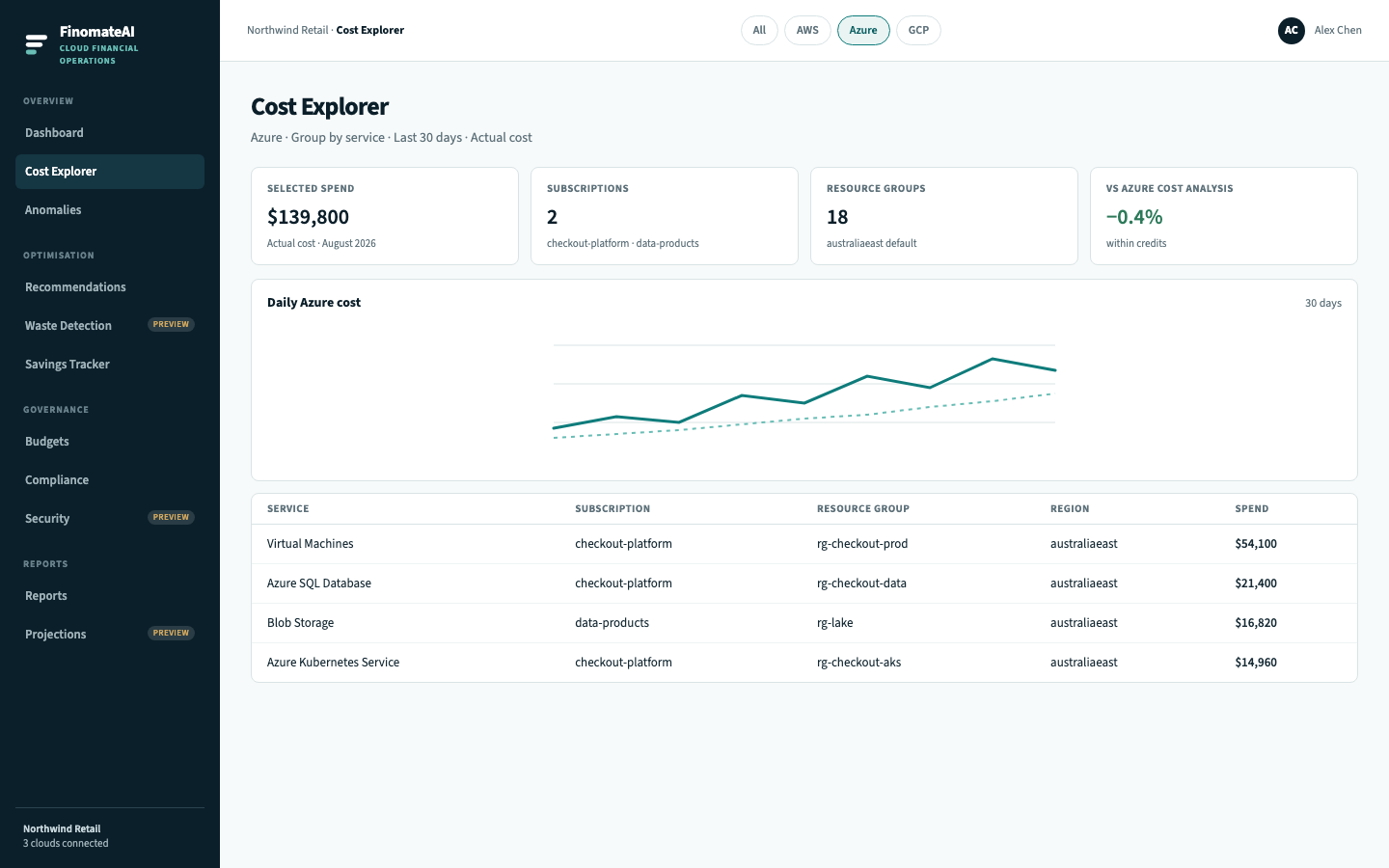
- Open Cost Explorer.
- Keep Azure selected.
- Set the date range to a completed month.
- Confirm Virtual Machines, SQL, Blob Storage and AKS match Azure Cost Analysis.
- If a total disagrees, stop and follow Data freshness and reconciliation before you act on a recommendation.
3. Check whether anything spiked (5 minutes)
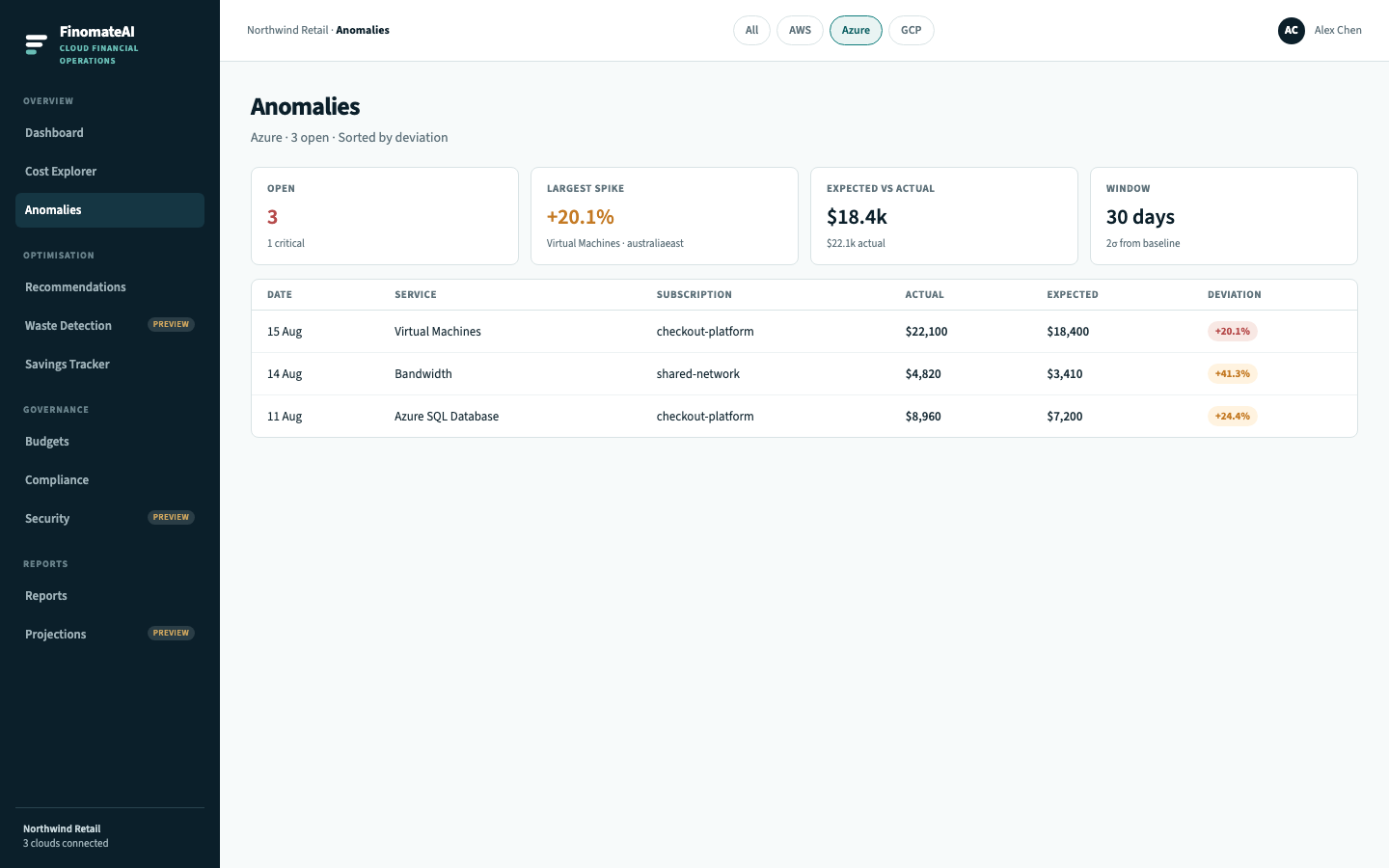
- Open Anomalies.
- Keep Azure selected.
- Sort by deviation.
- Open the largest item and write down service, subscription, resource group and the date of the movement.
4. Pick one recommendation (10 minutes)
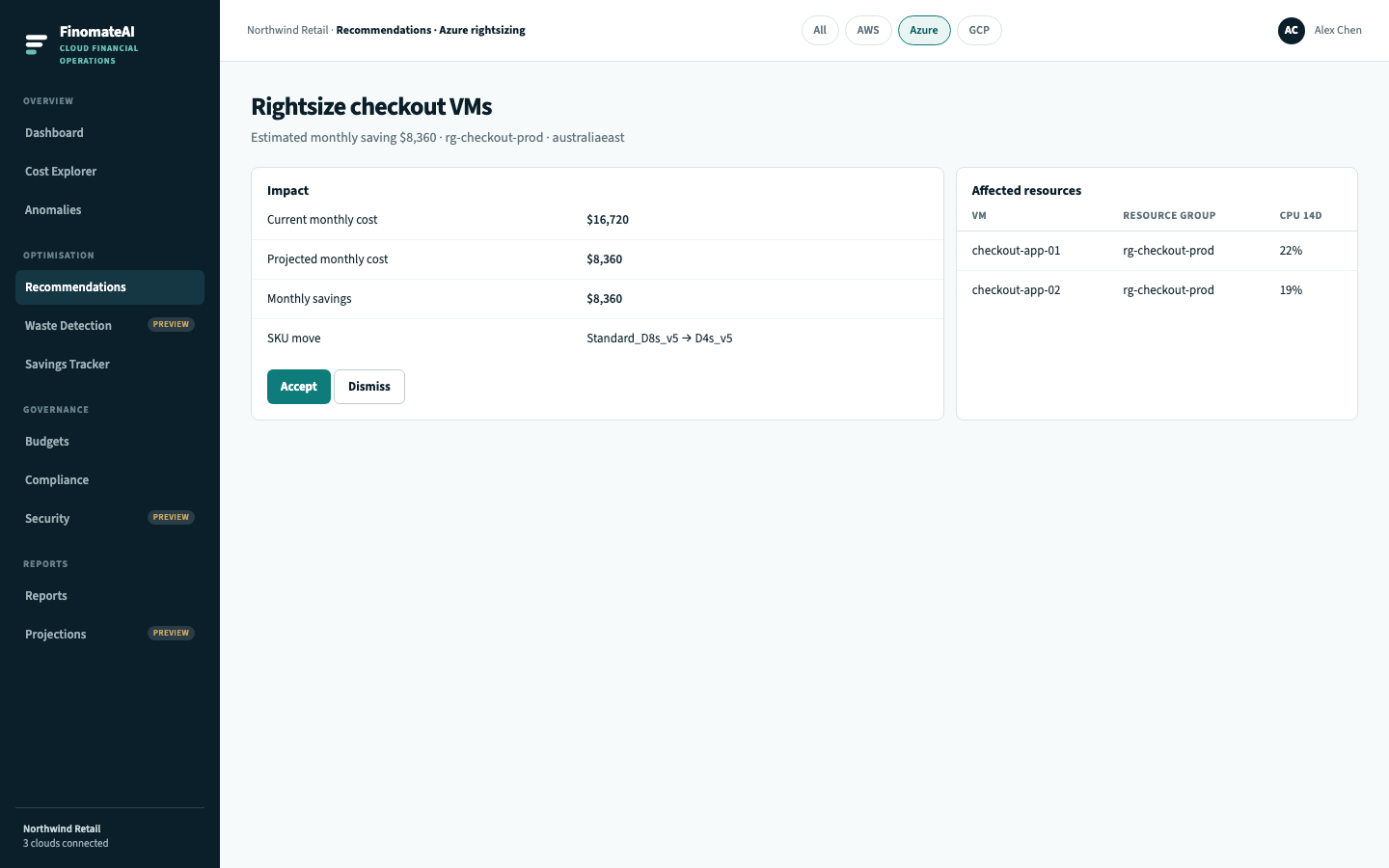
- Open Recommendations.
- Keep Azure selected.
- Filter to items marked Ready if they exist.
- Open Details on one VM or disk item.
- Confirm the owner can change the SKU or disk in Azure.
- Accept it only if the risk is understood. Otherwise leave it in Review.
Expected result
You can explain current monthly spend, name the largest unexpected movement, and point to one owned optimisation (accepted or explicitly deferred).