Sign in and account access
FinomateAI authenticates with email and password, or with SSO.
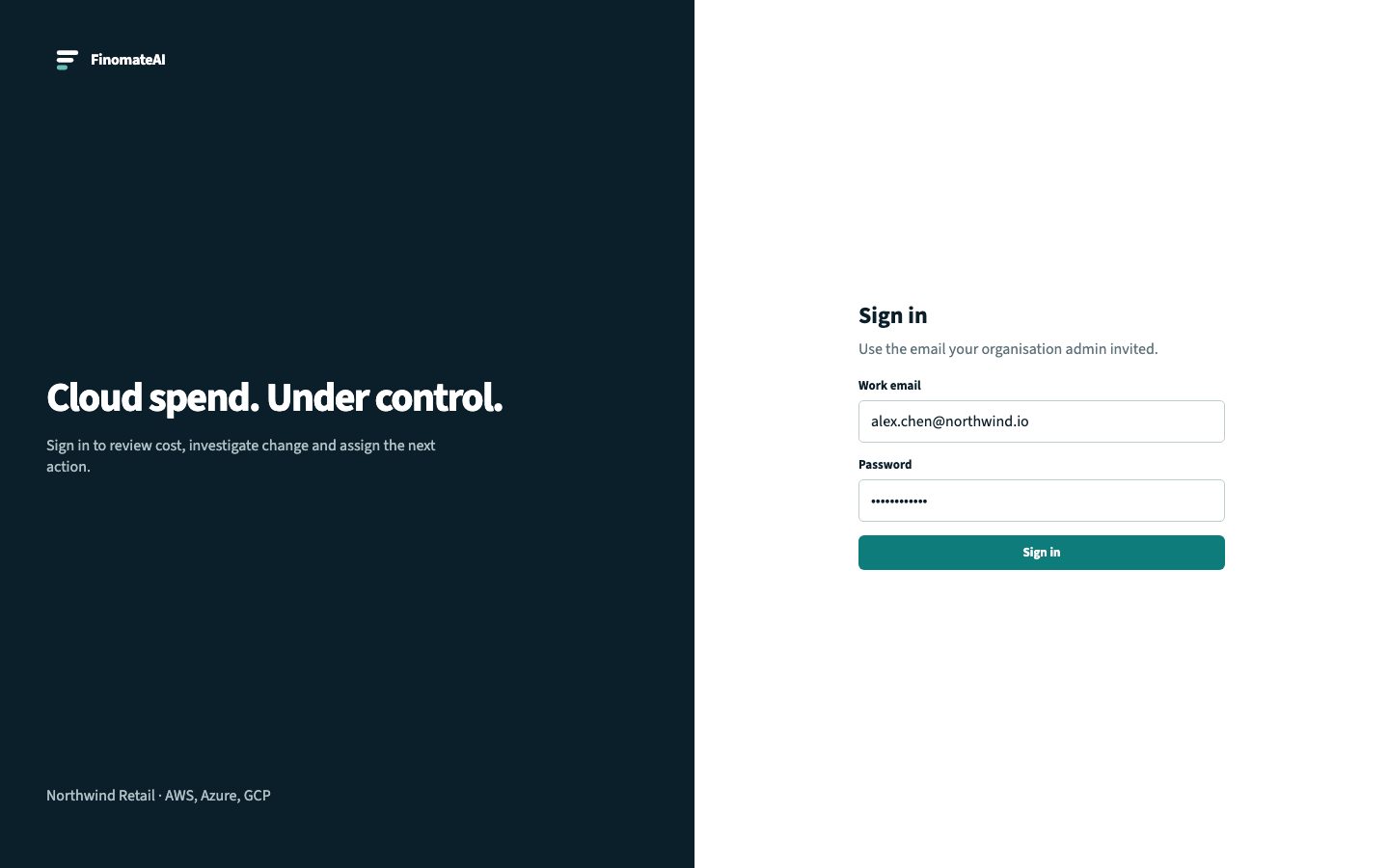
Sign in
- Open the FinomateAI tenant URL your admin sent.
- Enter your work email and password.
- Select Sign in.
If the email and password do not match an account, the form reports that they do not match. It does not tell you whether the email exists.
Roles in the current product
| Role | What it can do |
|---|---|
tenant_admin | Connect clouds, accept recommendations, manage budgets, generate reports |
tenant_viewer | View dashboards, explorer, anomalies, recommendations and reports |
Organisation units (teams, products, cost centres) are covered in Roles and organisation units.
If you cannot see data
| Symptom | Check |
|---|---|
| Sign-in is rejected | Email, password, and that you were invited to this tenant |
| Empty dashboard | Connector status on Connected accounts and first import |
| Missing provider | Provider chip, and whether that cloud was onboarded |
| You see another organisation | You signed in to the wrong tenant — contact your admin |