Filters, dates and cost types
Filters are global. Changing AWS on the Dashboard also changes Cost Explorer, anomalies and recommendations until you change it back.
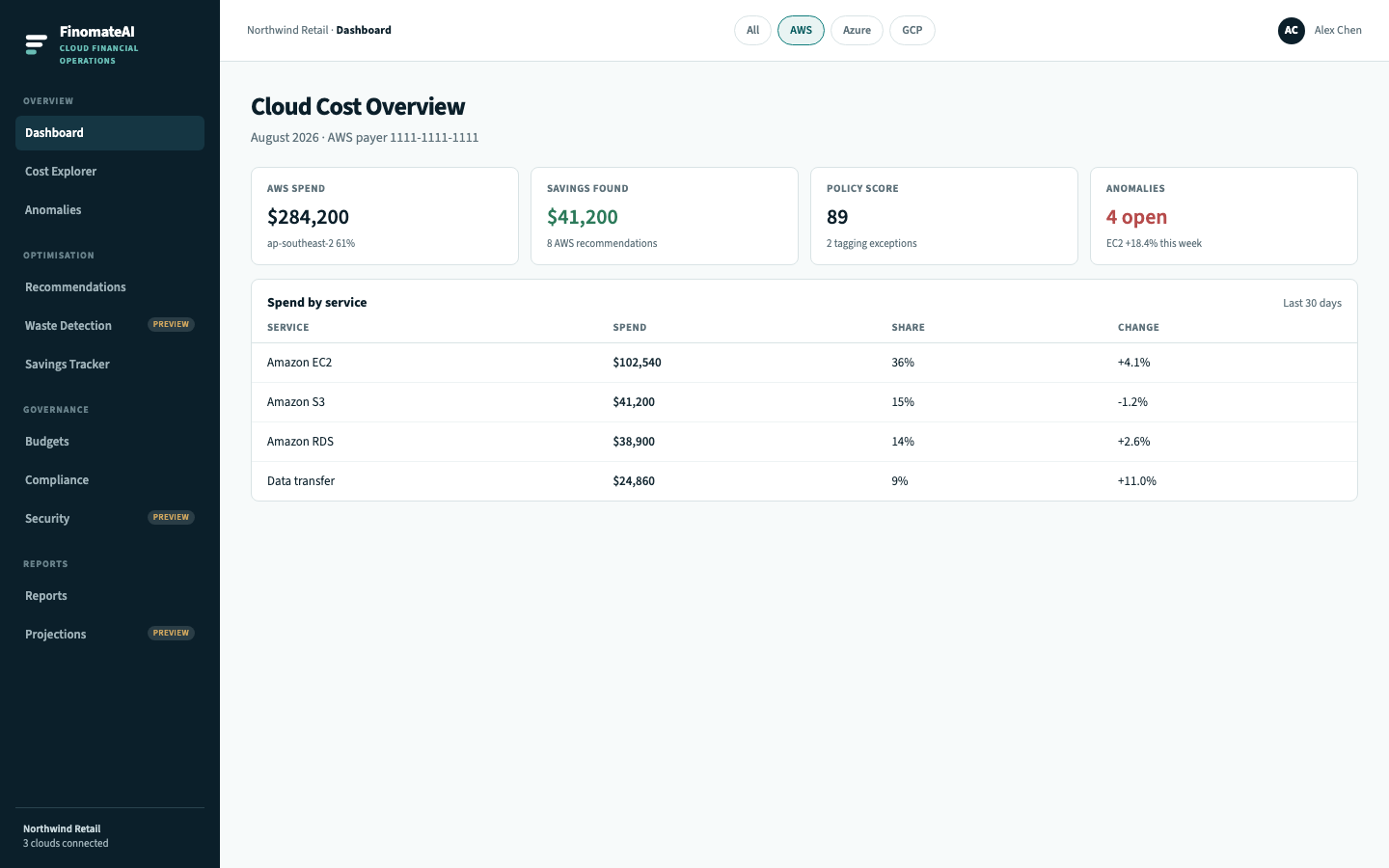
Provider chip
| Value | Scope |
|---|---|
| All | Every healthy connector |
| AWS | The AWS payer and linked accounts in the connector |
| Azure | The subscriptions listed at onboarding |
| GCP | The billing account listed at onboarding |
Date ranges
Cost Explorer supports 7d, 30d and 90d. Use 30 days for a first pass. Use a completed calendar month when you reconcile.
The current day and the current month are still moving. Do not treat them as a close.
Cost types
Where the product exposes more than one perspective, pick one and keep it for the whole review:
- Effective cost — after discounts and commitments that the export includes
- List cost — on-demand equivalent, useful for “what if we had no commitments”
- Amortized — commitment prepay spread over the term
Compare like with like. See Data freshness and reconciliation.
Tags
If resource tags are present in the export, use them to restrict a view to team, product or environment. Missing tags show up as unallocated spend — see Cost categories.