Drill-down
FinomateAI organises cost as organisation → account → region → service → resource. Stop at the first level that gives you an owner.
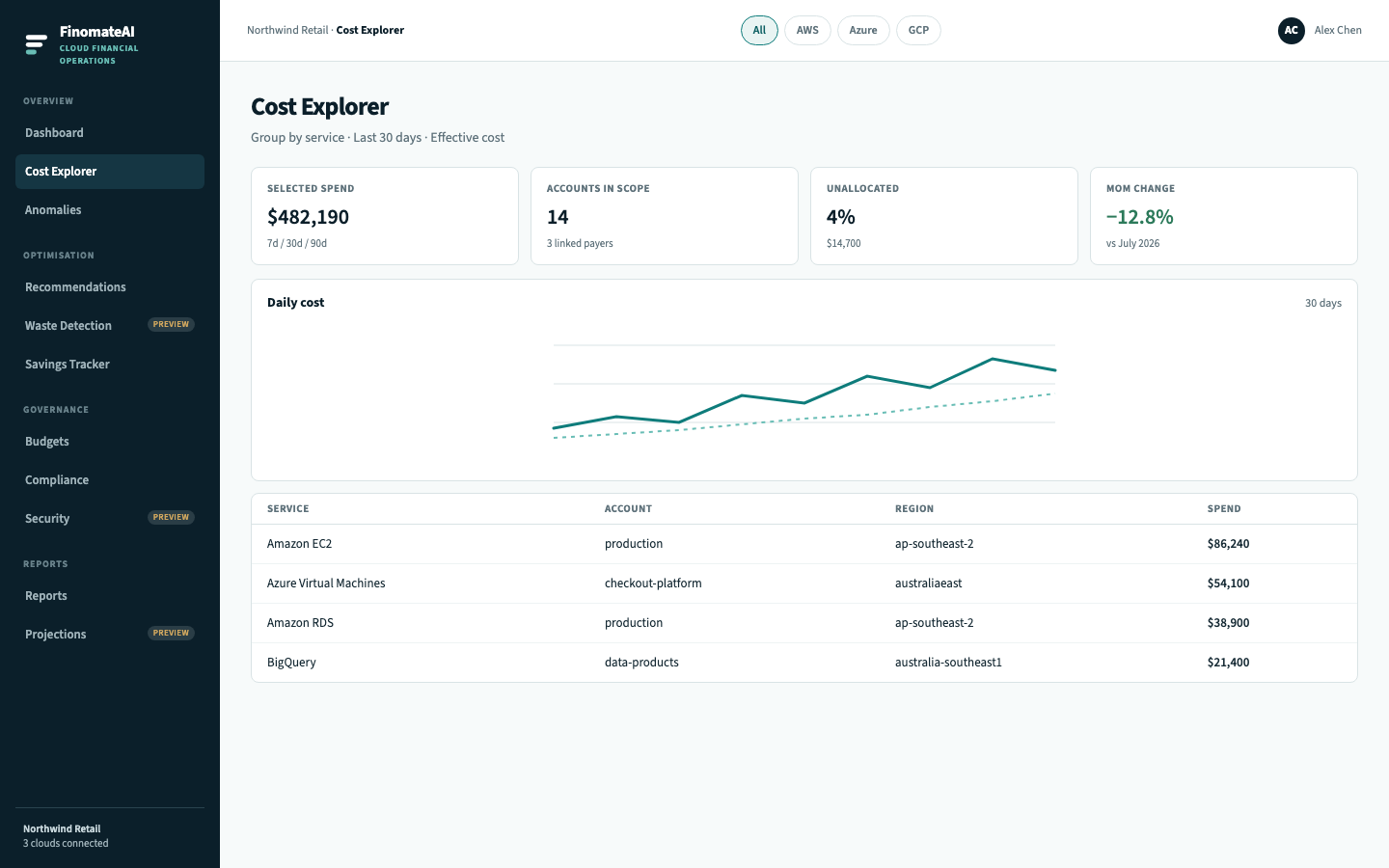
Hierarchy
| Level | Example | Typical owner |
|---|---|---|
| Organisation | Northwind Retail | FinOps lead |
| Account / subscription / project | production | Platform engineering |
| Region | ap-southeast-2 | The same team |
| Service | Amazon EC2 | Service owner |
| Resource | i-0a3f7b2c1d4e5f6a7 | Named engineer |
How to drill
- From the Dashboard, open Cost Explorer on the provider that moved.
- Sort or scan until one service-account-region row explains most of the change.
- Open the related anomaly or recommendation for resource IDs, tags and owner.
- Assign work at the resource only when the owner can change that resource.
Expected result
You can say which account and service caused the movement, and whether the next action is an investigation or a recommendation.