Custom cost data
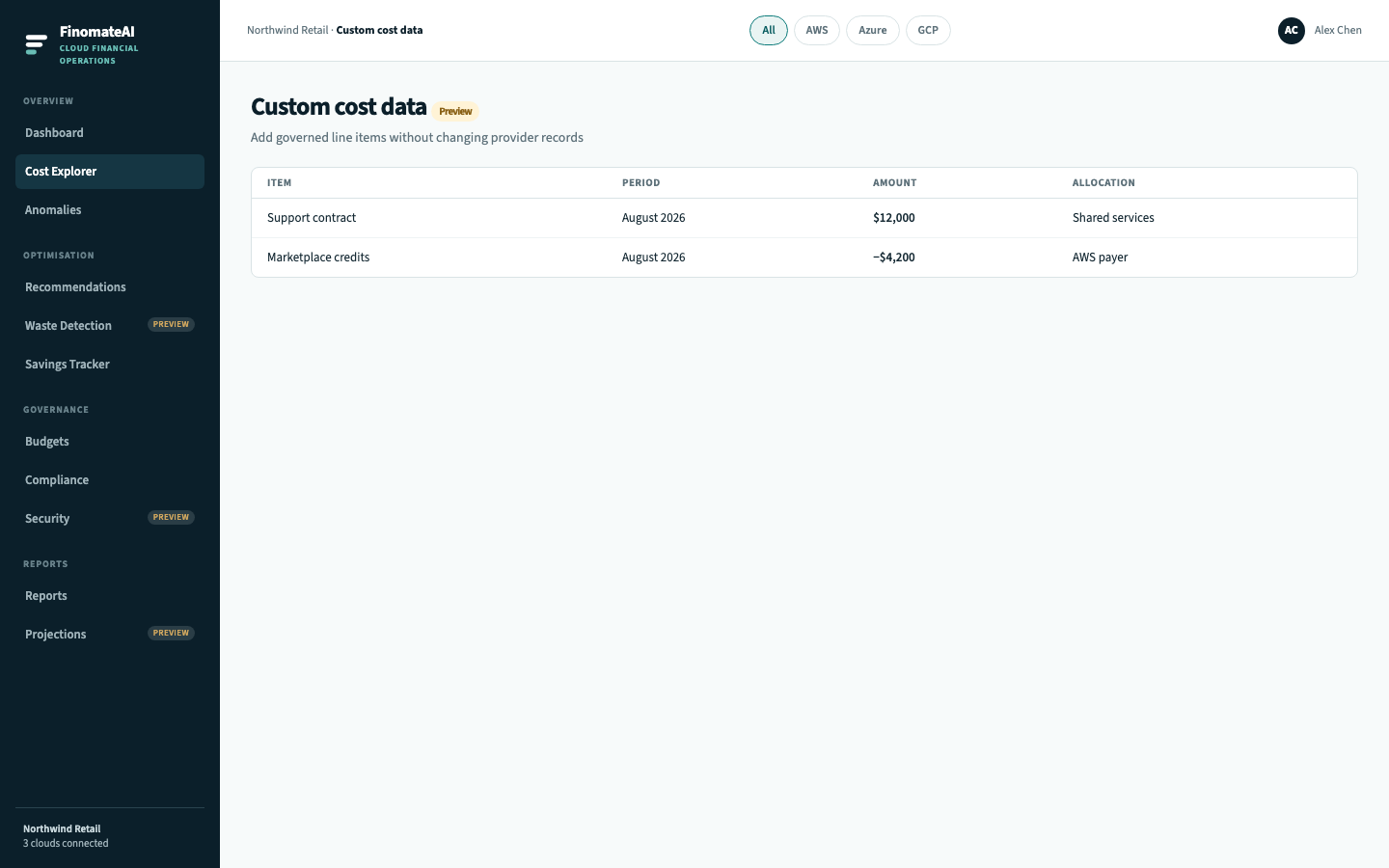
Custom cost data lets finance insert or credit amounts that never appear in a CUR or Azure export — support contracts, marketplace true-ups, agreed reallocations. This is the CloudHealth Custom Line Items job.
Provider records stay unchanged. Custom items sit beside them.
Workflow
- Reconcile provider totals first — see Data freshness.
- Open Cost visibility → Custom cost data.
- Add a line item with period, amount, owner and allocation target (account or cost category).
- Confirm the item appears in Cost Explorer and reports for that period.
Guardrails
- A custom item must have an owner and a period.
- Credits are signed amounts; they do not delete provider rows.
- Do not use custom items to hide a failed reconciliation.