Manage connected accounts
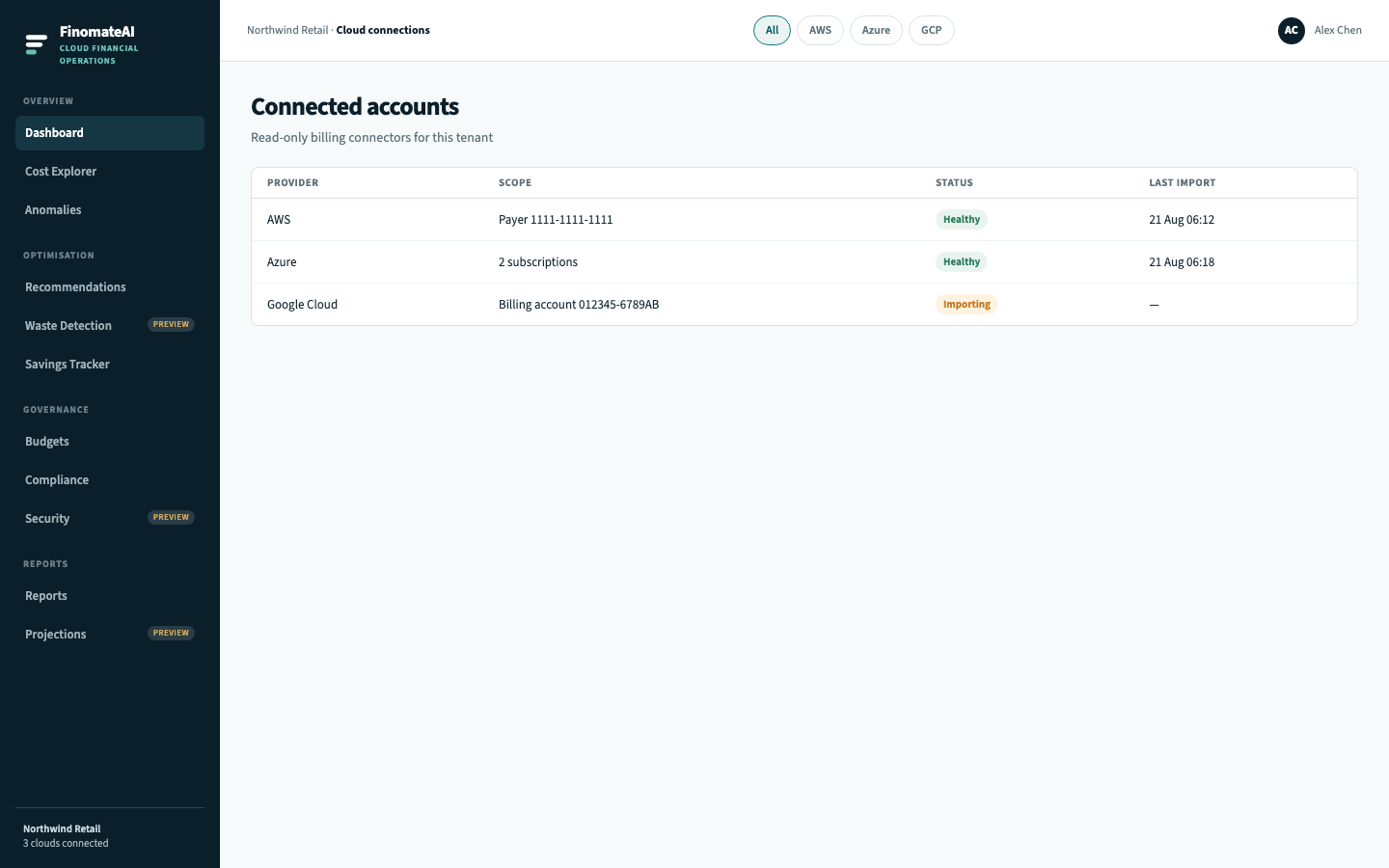
Use the connected-accounts list to confirm that FinomateAI can still read each approved export.
Read the list
| Column | Meaning |
|---|---|
| Provider | AWS, Azure or Google Cloud |
| Scope | Payer, subscriptions or billing account |
| Status | Healthy, Importing, or Fault |
| Last import | When new export objects were last applied |
When status is Fault
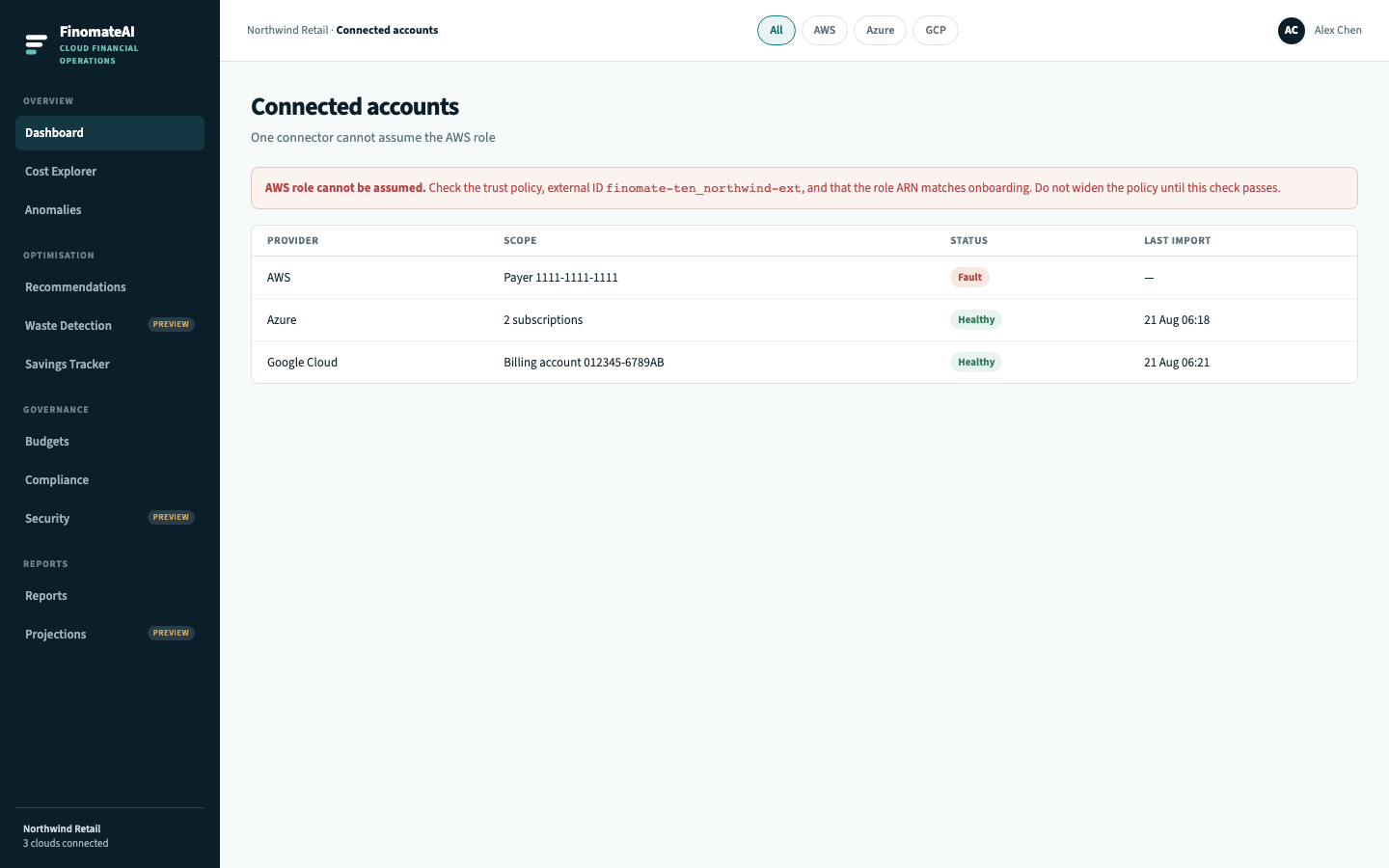
- Read the fault line on the page. Role cannot be assumed is IAM. Access denied is bucket/container/dataset. Empty location is the export, not IAM.
- Re-open the provider guide:
- Confirm secrets have not expired (Azure client secret, GCP key).
- Confirm the export is still delivering.
- Do not attach
AdministratorAccessor a subscription Owner role to “make it work.” - If the connector is healthy but a completed bill still disagrees, follow Data freshness and reconciliation.
Add another cloud
Repeat Connect your first cloud for the next provider. The Dashboard All filter includes every healthy connector.