Connect Google Cloud
Connect Google Cloud by pointing FinomateAI at a BigQuery billing export and a service account that can read that dataset.
Before you begin
- Access to the Cloud Billing account
- Permission to create a service account in the export project
- Standard or detailed billing export already writing to BigQuery
What FinomateAI asks for
| Field | Purpose |
|---|---|
| Billing account ID | Format 012345-6789AB-CDEF01 |
| Project ID | Project that hosts the export dataset |
| BigQuery dataset ID | Dataset that receives the export |
| Table prefix | Optional |
| Service account JSON | Key stored securely |
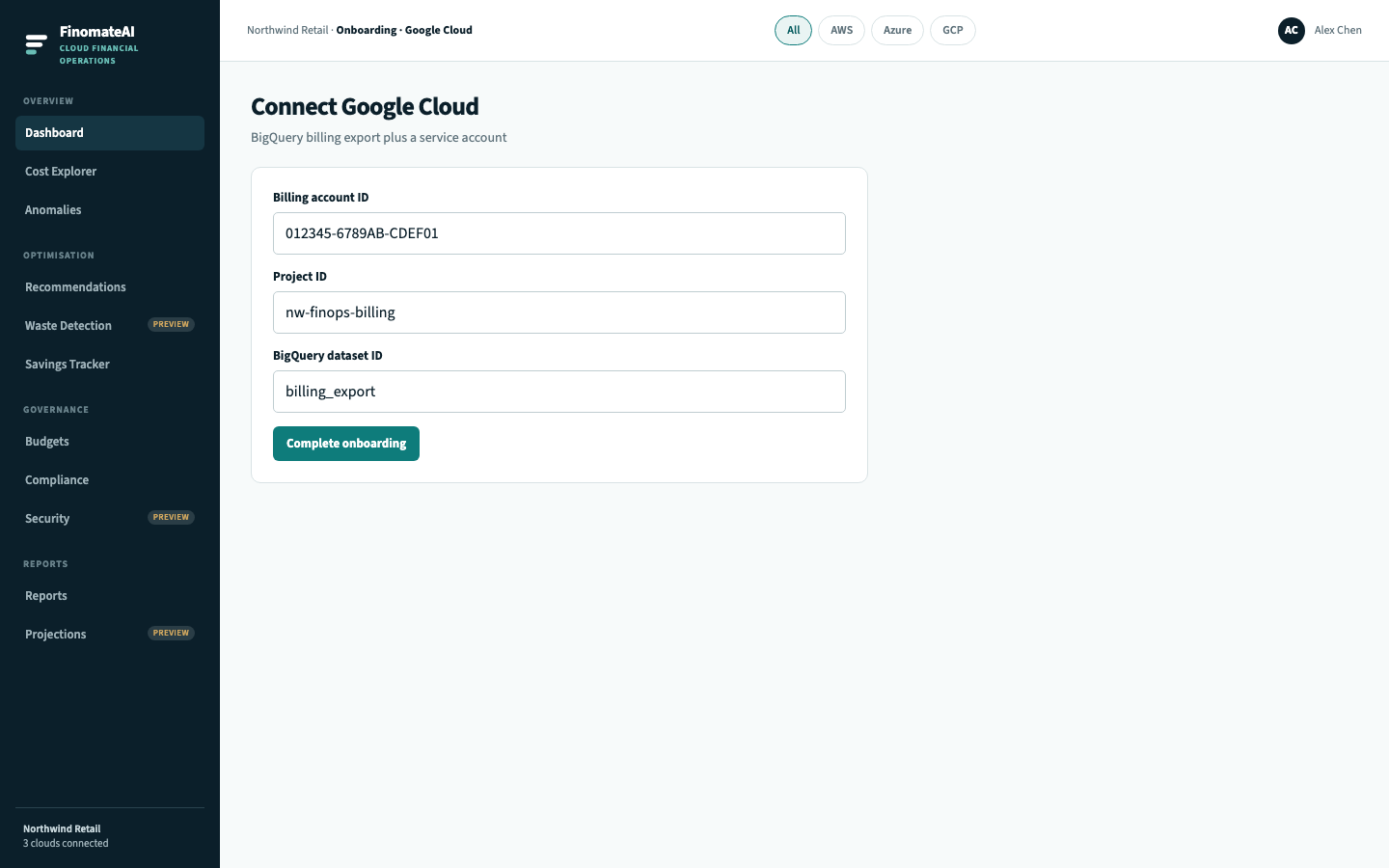
Step 1: Confirm the export
In Google Cloud Console:
- Open Billing → Billing export.
- Enable Standard (and Detailed if you want resource-level rows).
- Point it at a dedicated project and dataset (for example
nw-finops-billing.billing_export). - Confirm daily partitions are arriving (
gcp_billing_export_v1_*).
Step 2: Create a service account
- Create a service account in the export project, for example
finomate-billing-reader. - Grant BigQuery Data Viewer on the export dataset only (
roles/bigquery.dataViewer). - If the dataset is in another project, also grant BigQuery Job User on the project that runs queries, if your tenant requires it.
- Create a JSON key. Use it once in onboarding; rotate if it leaks.
Do not grant Billing Account Administrator.
Step 3: Complete onboarding
- Open Complete onboarding and select GCP.
- Enter billing account ID, project ID, dataset ID, optional table prefix and the JSON key.
- Select Complete onboarding.
Step 4: Validate
- Confirm Healthy on Connected accounts.
- In Cost Explorer, select GCP.
- Compare a completed period with Cloud Billing reports for the same billing account.
Troubleshooting
| Symptom | Check |
|---|---|
| JSON rejected | Key type is service_account, not a user credential |
| Dataset empty | Export enablement and first partition |
| Access Denied | Dataset IAM, not project Owner |
| Projects missing | Billing account linkage to those projects |
| Totals differ | Credits, committed use discounts, invoice-level items, Standard vs Detailed |
Expected result
FinomateAI can read the approved BigQuery export, expected projects appear, and a completed period reconciles.