Azure budgets
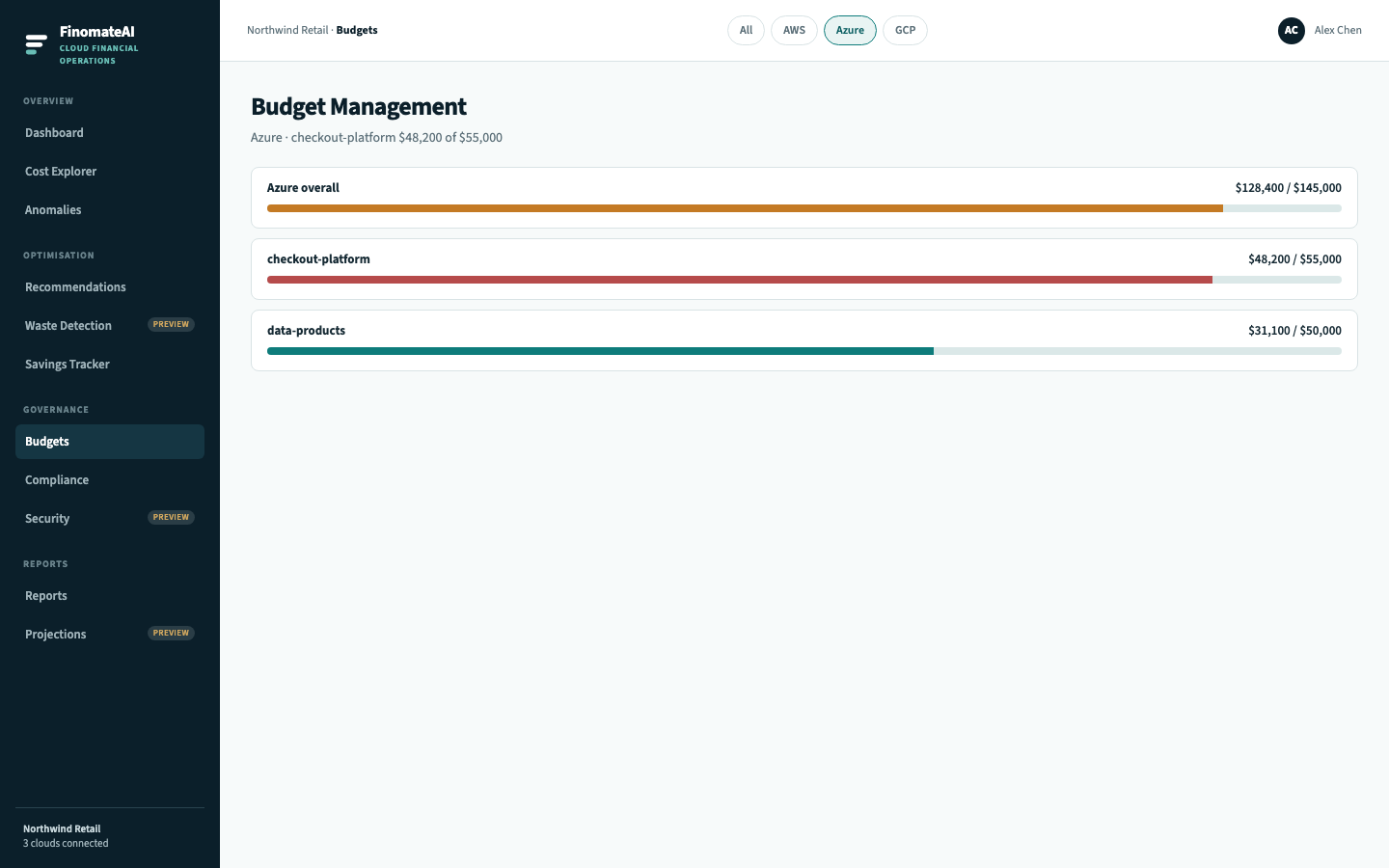
Azure budgets in FinomateAI compare in-scope Azure spend with an agreed amount. Use them for tenant, subscription or cost-category limits. They sit beside Azure Cost Management budgets — they do not replace them.
Before you begin
- Azure connector is healthy.
- You know whether the budget is actual or amortised cost.
Create an Azure budget
- Open Budgets.
- Select Azure.
- Select Create budget.
- Name it for the subscription or team (for example
checkout-platform). - Set a monthly amount in the same currency as the export.
- Scope = Azure, then the subscription or cost category.
- Alert at 50%, 80% and 100%.
- Save.
Use with Azure Cost Management
| FinomateAI | Azure Cost Management |
|---|---|
| Budget amount | Budget amount |
| Scope = subscription | Budget scoped to subscription |
| Alerts in product | Email / Action Group |
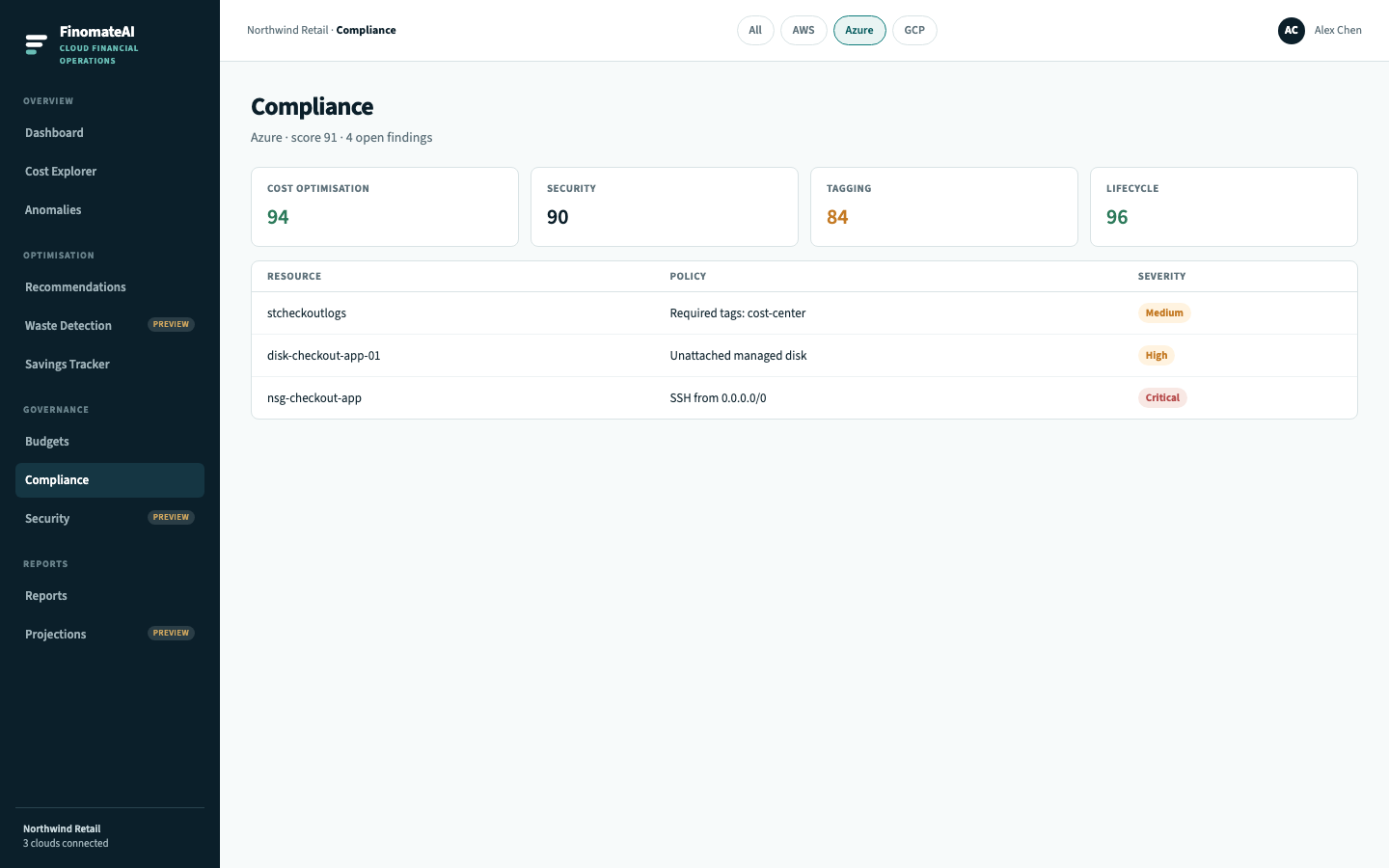
Keep both if finance already lives in Cost Management. Use FinomateAI budgets when the same team also watches AWS and GCP.
Expected result
Each important Azure subscription or category has a budget, and an 80% alert has an owner.