Investigate a cost spike
Use this guide when an anomaly is large enough to mention in a FinOps review.
Steps
- Open Anomalies and select the row.
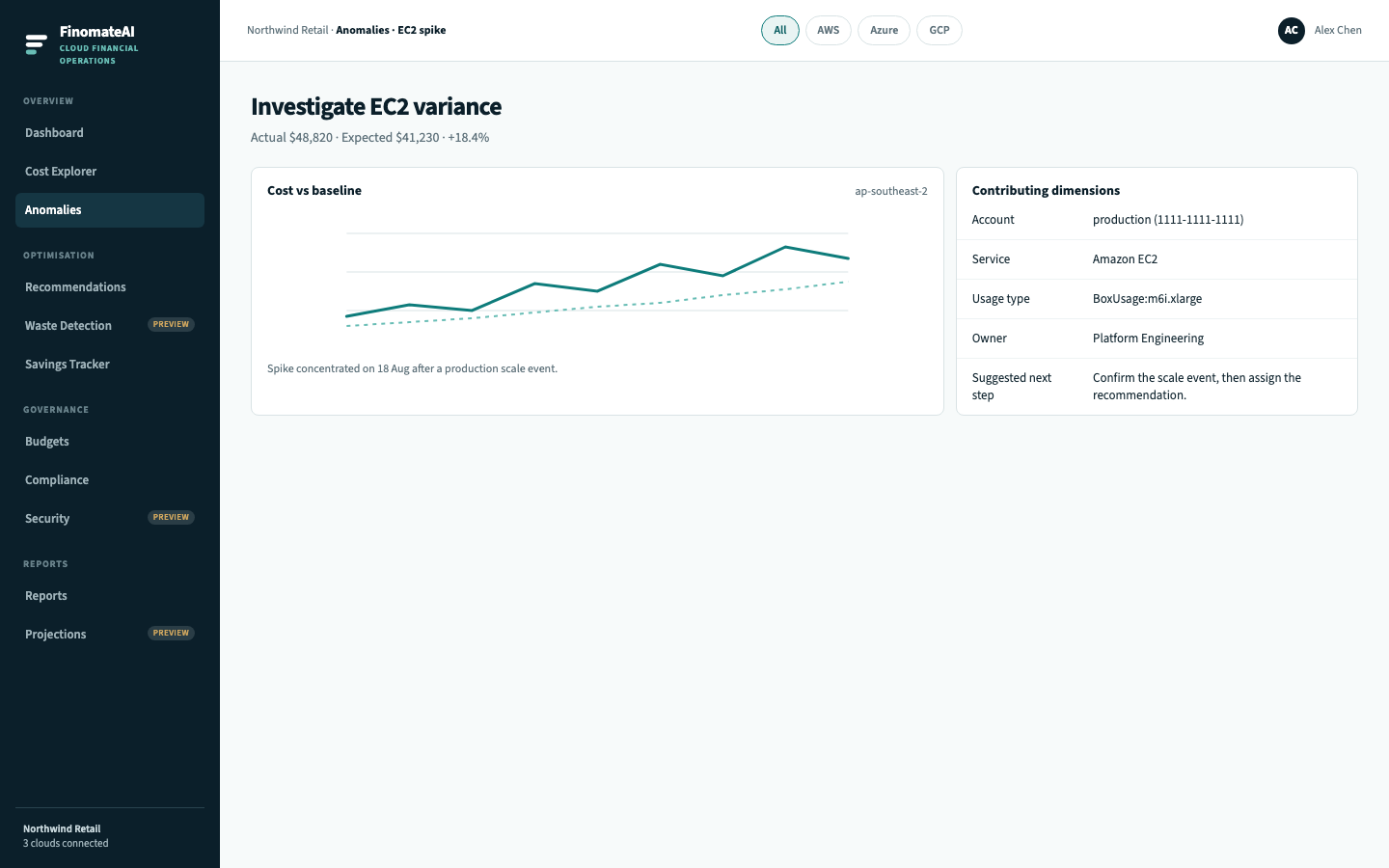
- Read actual vs expected and the date of the movement.
- Note account, service, usage type, region and owner.
- Confirm the movement against Cost Explorer for the same day.
- Decide:
- Expected change (scale event, launch, seasonal) — document it and close the review.
- Unexpected — assign an owner and, if relevant, open a recommendation.
Expected result
You can say what moved, when, who owns it, and whether action is required.
Common issues
| Issue | Check |
|---|---|
| No owner | Tags on the resource; account default owner |
| Actual looks too small | Provider chip and date |
| Spike repeats daily | Baseline may include the spike — widen the window in Explorer |