Roles and organisation units
Organisation units are how FinomateAI gives different teams their own slice of the estate without standing up a second tenant. This is the CloudHealth FlexOrgs job: a tree of units, each with users, accounts and saved views.
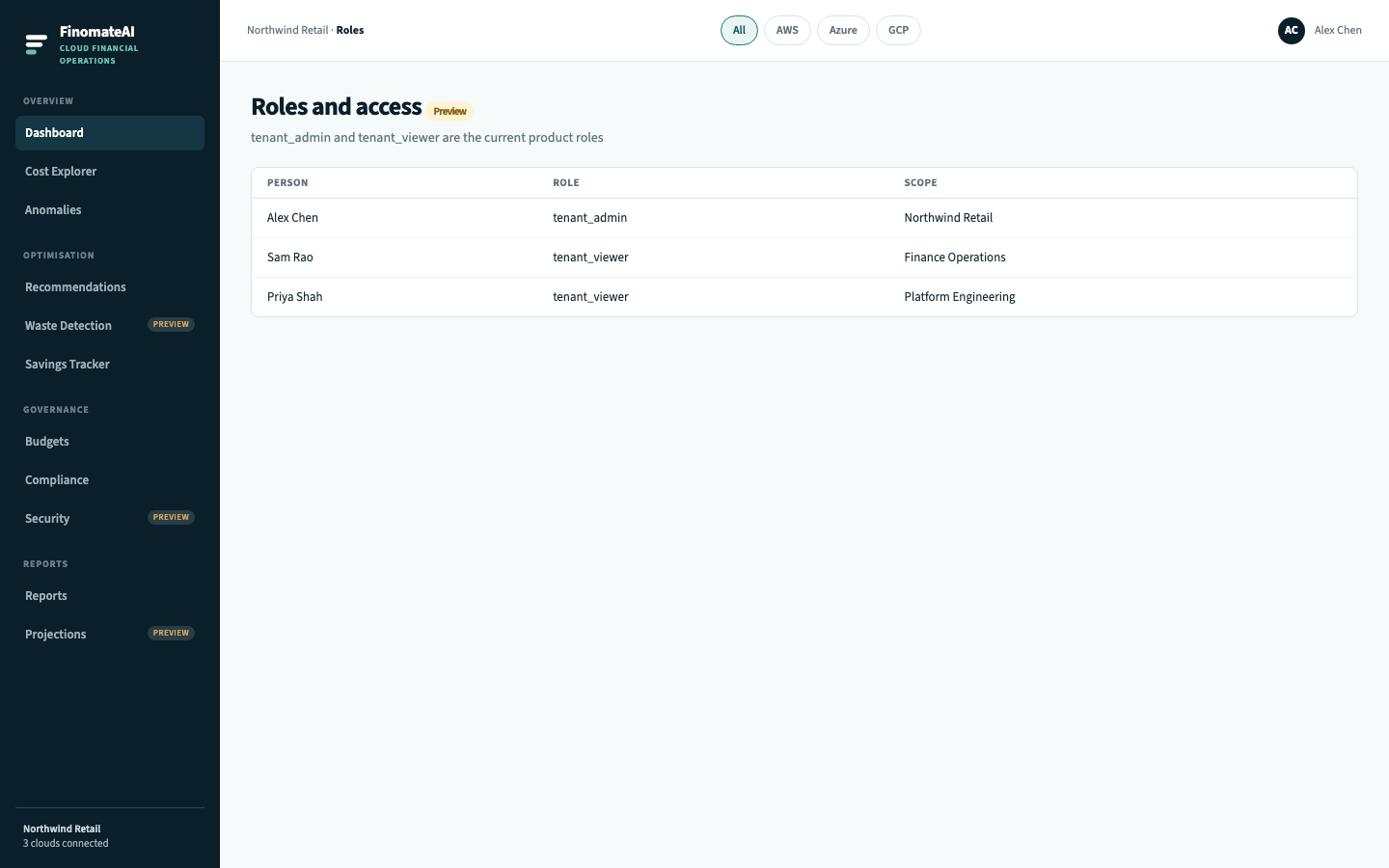
Tenant roles
| Role | What it can do |
|---|---|
tenant_admin | Connect clouds, define organisation units, accept recommendations, manage budgets, generate reports |
tenant_viewer | View every unit the admin has not restricted |
Organisation units
Create a unit for each business grouping that needs its own Dashboard and Cost Explorer.
Typical tree:
- Northwind (tenant)
- Checkout
- Data products
- Platform
Each unit has:
| Setting | Purpose |
|---|---|
| Linked accounts / subscriptions / projects | Billing scope |
| Cost categories | How spend is grouped inside the unit |
| Users | Who can open the unit |
| Inherited views | Saved views shared from the parent |
A user assigned to Checkout does not see Data products unless they are also on the parent.
Before you begin
- Decide whether units follow teams, products or cost centres. Do not mix the three in one tree.
- Tag assets so cost categories can fill the unit after accounts are attached.
Create a unit
- Open Administration → Organisation units.
- Select New unit.
- Name it, pick a parent, attach accounts.
- Invite users as unit admin or unit viewer.
- Open the unit Dashboard and confirm totals match the attached accounts.
How this maps to CloudHealth
| CloudHealth FlexOrgs | FinomateAI |
|---|---|
| Organisation unit | Organisation unit |
| Users in the OU | Unit admin / unit viewer |
| Shared Perspectives | Saved views inherited from the parent |
| Classic organisations | Not used — one tree per tenant |